![[personal profile]](https://www.dreamwidth.org/img/silk/identity/user.png)
Latest stuff
Dec. 12th, 2025 11:33 amI've made good progress on cleaning my room. Heck I can walk through it without stepping over stuff.
I'm also keeping up the pace on scanning old negatives and slides, and tossing them into a box for disposal when they're scanned. There's quite a heap over there in the corner but I'll get through it eventually. I have plans to rearrange slightly when that space is available.
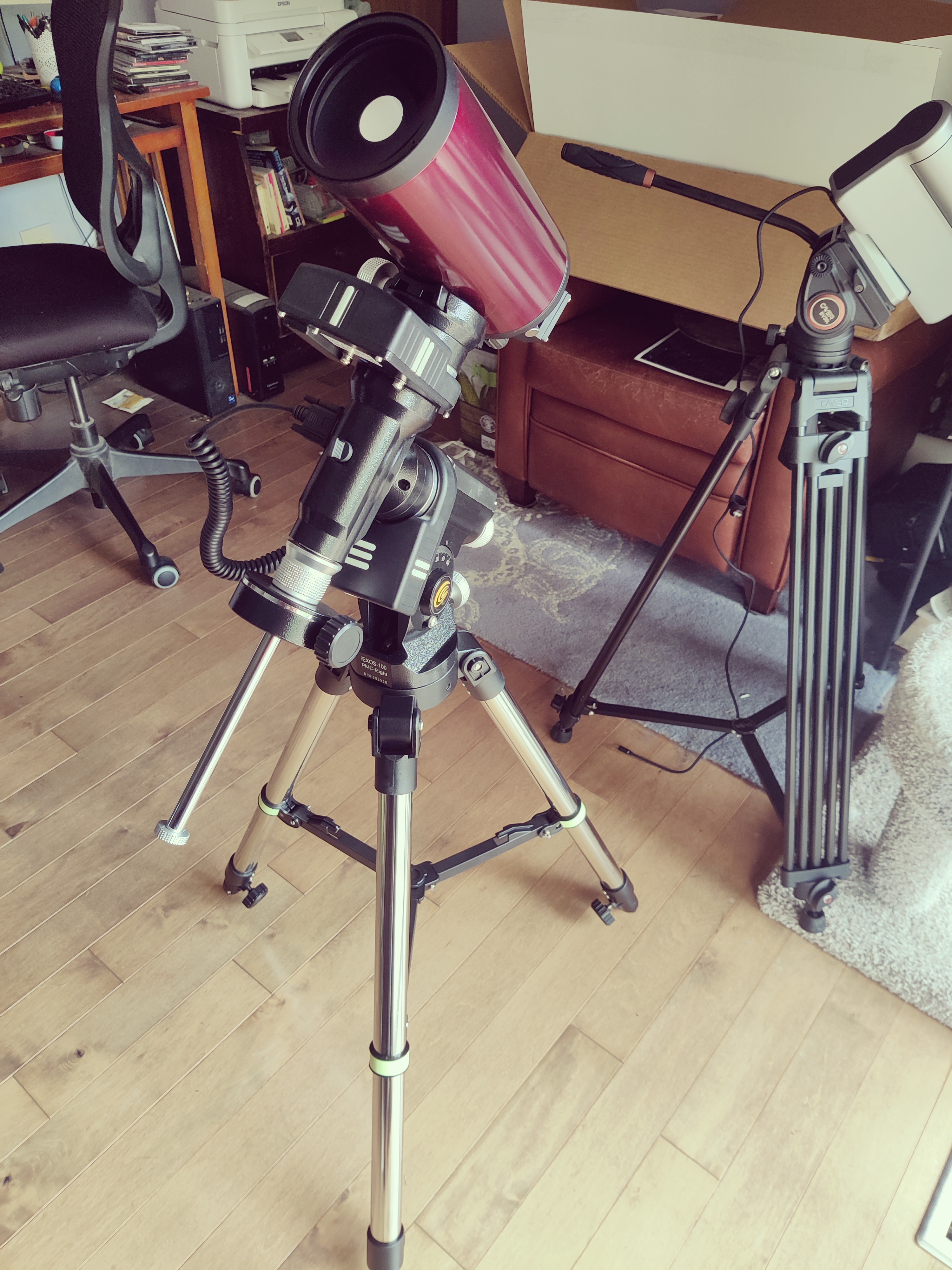
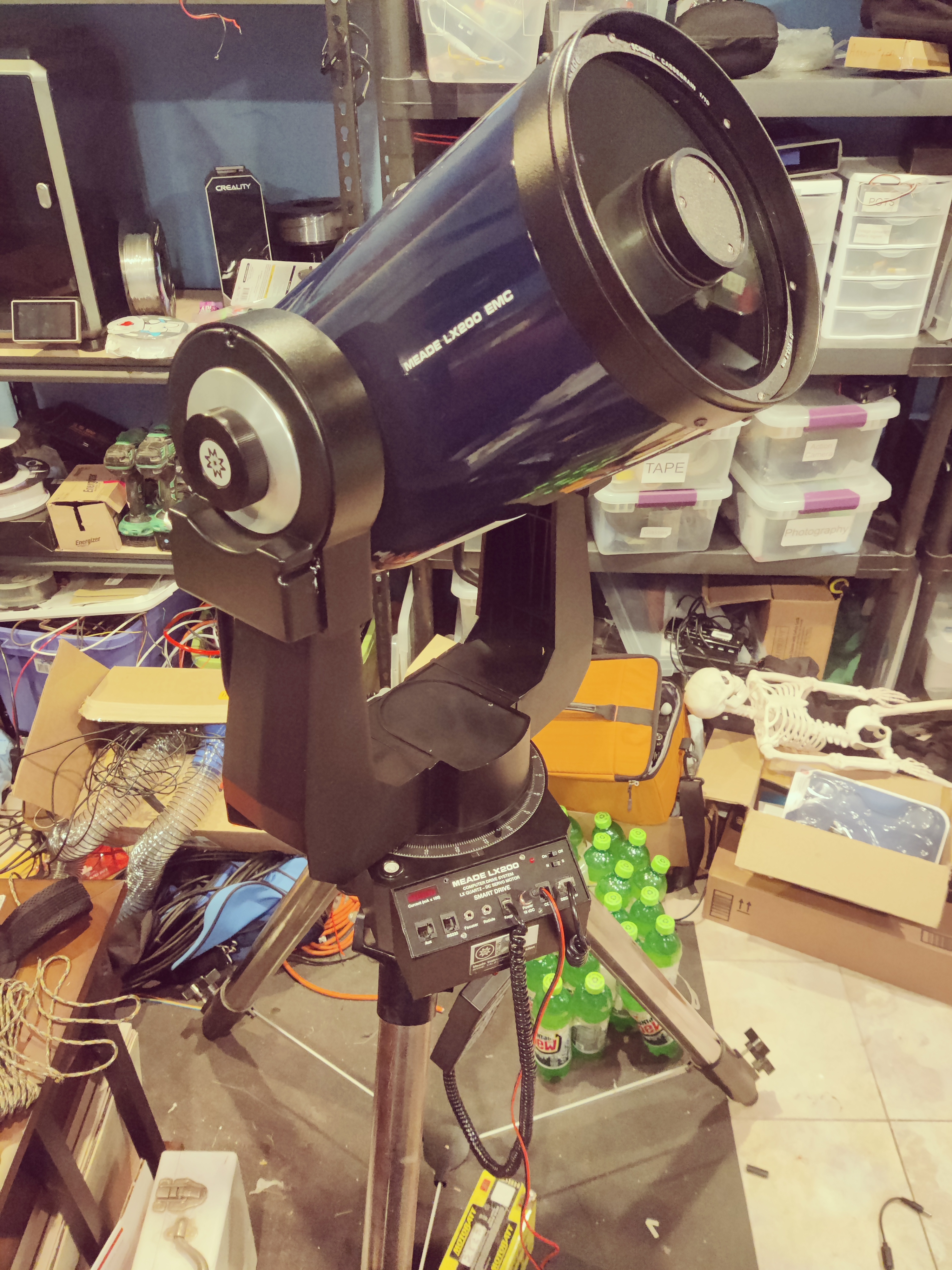
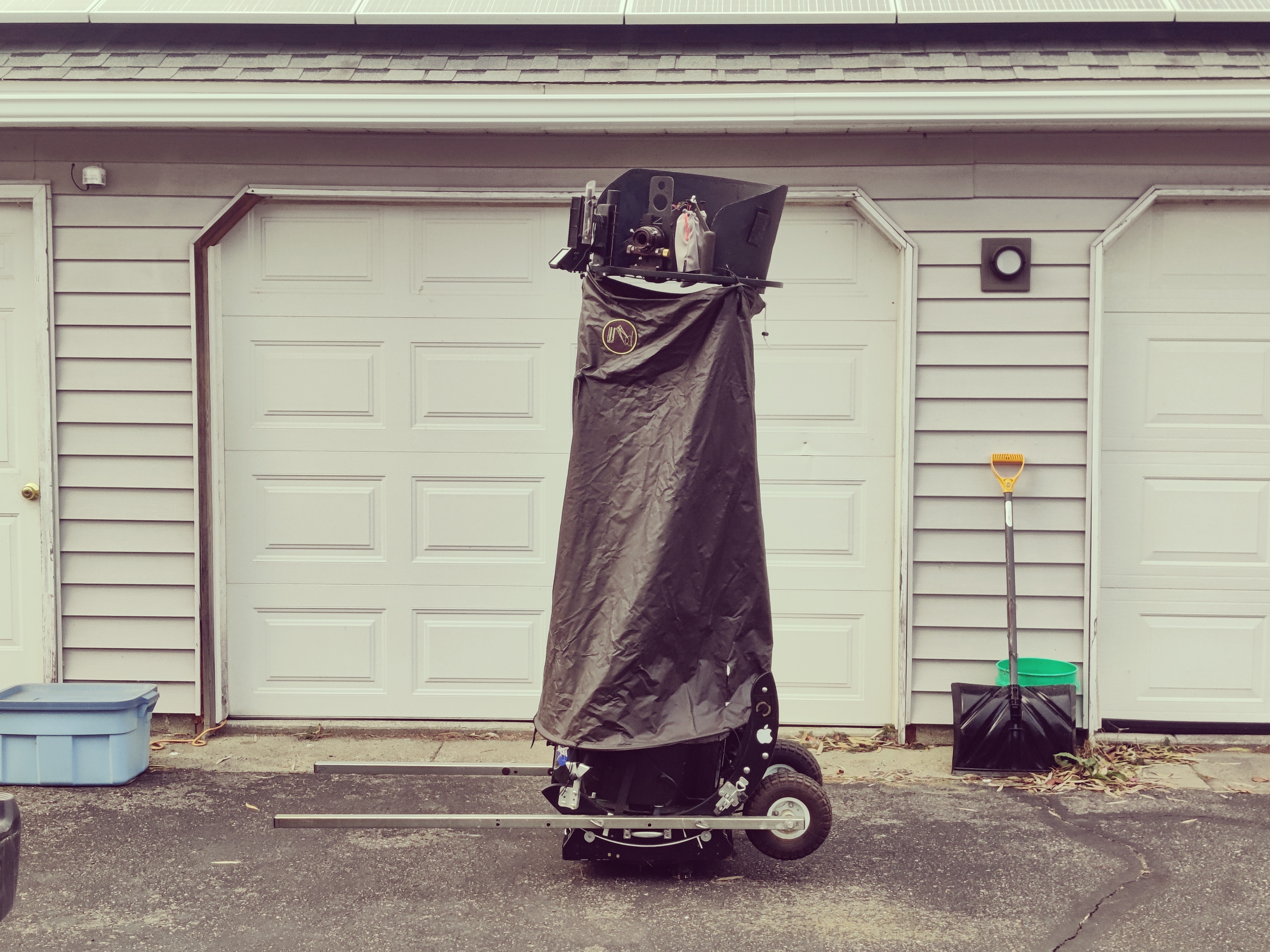
We're going to NC next week. There's a slight urge to bring a small telescope, but honestly I won't have a chance to use it even if I did have it with me so there's not much point. We will be busy the whole time I'm sure. Maybe binoculars...
I chose South Lyon again as the Tuba Christmas event to go to, but when I got there, it was cancelled due to building issues. So an hour driving the truck for no reason.
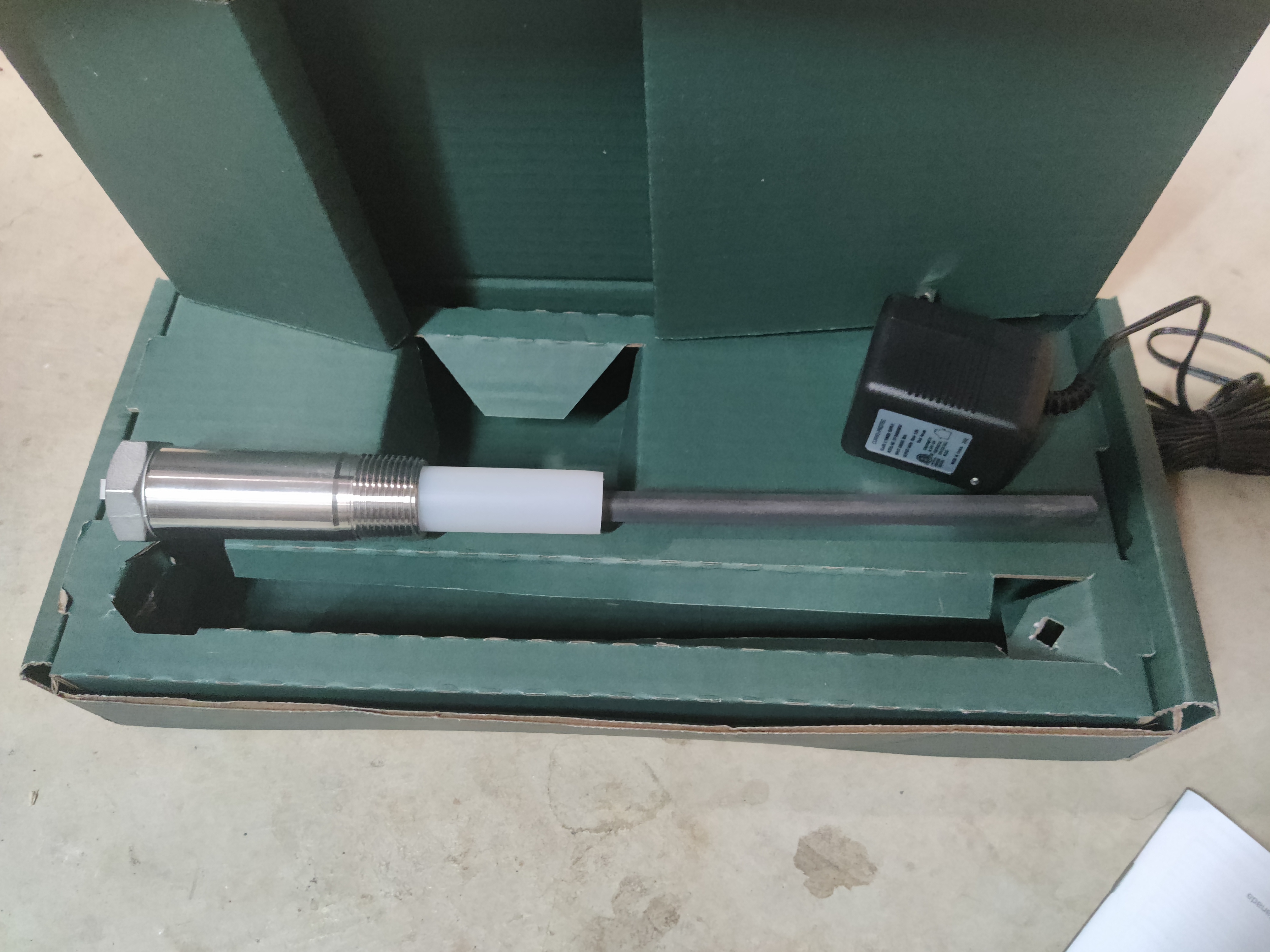
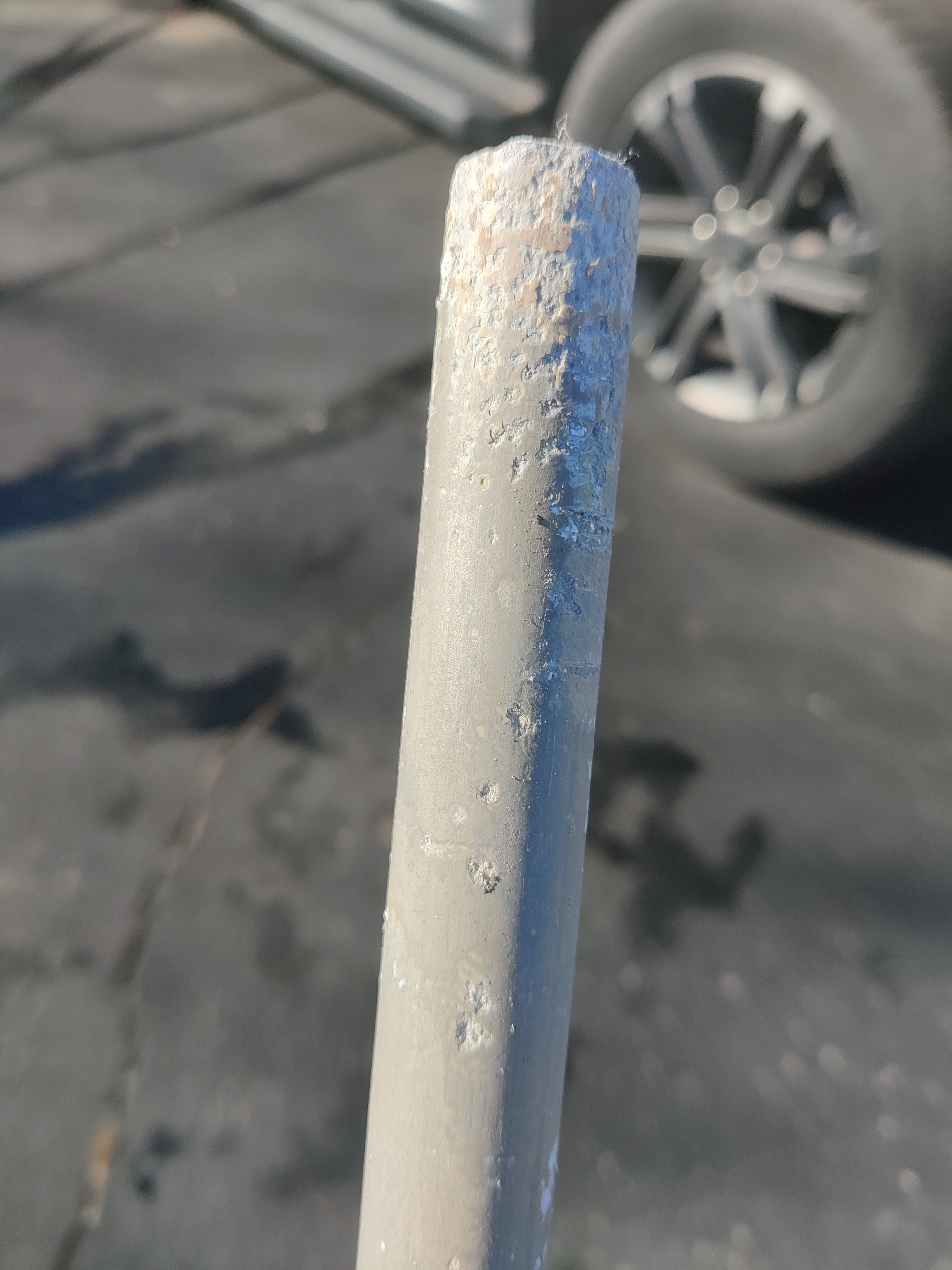
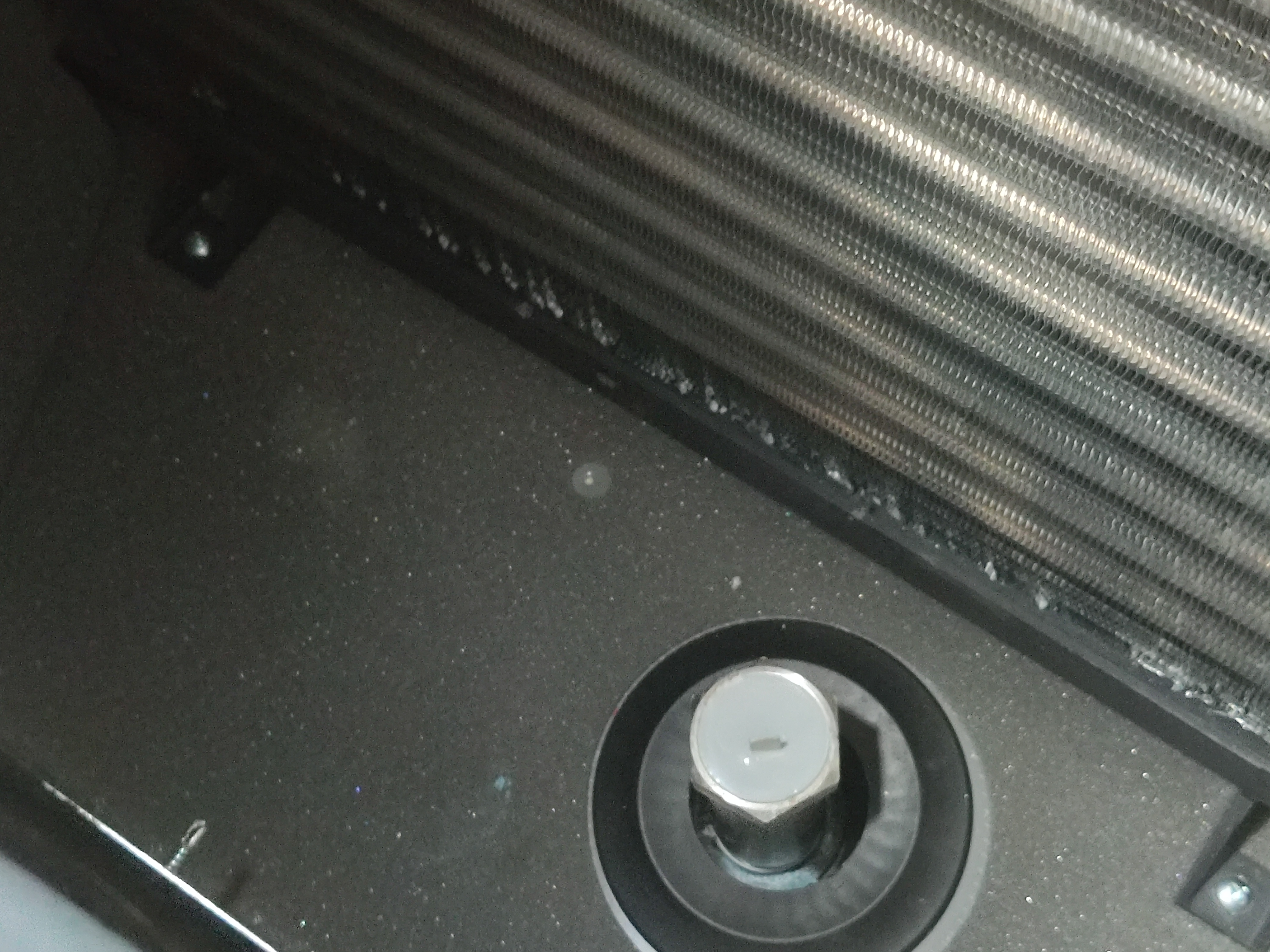
Yesterday I redid the salt level sensor I built for the water softener a couple of years back. It has been working but not reliably - it stops reporting every day or three at random and needs to be reset, which kind of defeats the purpose. I didn't change the design or parts or anything, I just re-imaged with a 3 year newer version of ESPHome, and I hope that bugs have been fixed such that it doesn't have those problems anymore. Only time will tell.
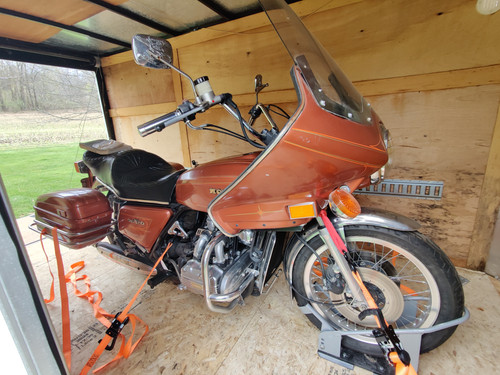
The weather the last few days has been not the best. It snowed a bunch (maybe 6 inches?) then warmed up to 35, the snow turned to sticky gunk, then it rained but not enough to clear the snow, then it froze hard. In the middle there we tried to clear the snow. That did lead to the rain freezing to a hard cover, but at least it has a chance of clearing in the driveway next time there's good sun or above freezing weather. I find that if the driveway and the road in front of our house is good, I can safely ride a motorcycle, other than a few places where they have gravel parking lots (share house for instance) - they will still be icy.
I went to the gym yesterday and did not do so well. In hindsight I guess it could be because of the platelet donation the previous day, but it also could be that it had been 4 or 5 days since the last upper body day. I need to not take that long of a break. I dropped back to 4 days a week in the gym on the recommendation of the app I'm using, partly because December is busy enough that shooting for 5 days a week is difficult some weeks, but I'm planning to go back to 5 days when we get back from NC.
I got my old/experimental 3D printer back on its feet. It's still not printing quite as well as the Creality right out of the box but I'm getting it better. The last thing I did was to have it re-home the Z axis after warmup - if it homed cold then heated up, the print bed was too high and the head was dragging on the bed. Apparently the bed swells enough during heating to make a significant difference, because adding that final Z home just before printing fixed that issue.
I'm also in the process of trying to clean up the video and stuff on my storage devices. I'm recoding the archival copies of full runs of TV shows and stuff into x.265 - it saves space, sometimes a lot of space - I've seen 2GB video files go down to 500MB and still look about as good.
I'm currently powering through DS9 - I haven't seen all the shows, probably about half across the whole run, maybe less. First season was all re-watches but it's been so long that I needed it. I'm also behind on Strange New Worlds and Discovery. Discovery I honestly don't like all that much, and I'm afraid I'm in the "I think I'm just going to forget this series ever happened" camp to some extent. Or treat it as a non-canon type thing.
I'm also keeping up the pace on scanning old negatives and slides, and tossing them into a box for disposal when they're scanned. There's quite a heap over there in the corner but I'll get through it eventually. I have plans to rearrange slightly when that space is available.
We're going to NC next week. There's a slight urge to bring a small telescope, but honestly I won't have a chance to use it even if I did have it with me so there's not much point. We will be busy the whole time I'm sure. Maybe binoculars...
I chose South Lyon again as the Tuba Christmas event to go to, but when I got there, it was cancelled due to building issues. So an hour driving the truck for no reason.
Yesterday I redid the salt level sensor I built for the water softener a couple of years back. It has been working but not reliably - it stops reporting every day or three at random and needs to be reset, which kind of defeats the purpose. I didn't change the design or parts or anything, I just re-imaged with a 3 year newer version of ESPHome, and I hope that bugs have been fixed such that it doesn't have those problems anymore. Only time will tell.
The weather the last few days has been not the best. It snowed a bunch (maybe 6 inches?) then warmed up to 35, the snow turned to sticky gunk, then it rained but not enough to clear the snow, then it froze hard. In the middle there we tried to clear the snow. That did lead to the rain freezing to a hard cover, but at least it has a chance of clearing in the driveway next time there's good sun or above freezing weather. I find that if the driveway and the road in front of our house is good, I can safely ride a motorcycle, other than a few places where they have gravel parking lots (share house for instance) - they will still be icy.
I went to the gym yesterday and did not do so well. In hindsight I guess it could be because of the platelet donation the previous day, but it also could be that it had been 4 or 5 days since the last upper body day. I need to not take that long of a break. I dropped back to 4 days a week in the gym on the recommendation of the app I'm using, partly because December is busy enough that shooting for 5 days a week is difficult some weeks, but I'm planning to go back to 5 days when we get back from NC.
I got my old/experimental 3D printer back on its feet. It's still not printing quite as well as the Creality right out of the box but I'm getting it better. The last thing I did was to have it re-home the Z axis after warmup - if it homed cold then heated up, the print bed was too high and the head was dragging on the bed. Apparently the bed swells enough during heating to make a significant difference, because adding that final Z home just before printing fixed that issue.
I'm also in the process of trying to clean up the video and stuff on my storage devices. I'm recoding the archival copies of full runs of TV shows and stuff into x.265 - it saves space, sometimes a lot of space - I've seen 2GB video files go down to 500MB and still look about as good.
I'm currently powering through DS9 - I haven't seen all the shows, probably about half across the whole run, maybe less. First season was all re-watches but it's been so long that I needed it. I'm also behind on Strange New Worlds and Discovery. Discovery I honestly don't like all that much, and I'm afraid I'm in the "I think I'm just going to forget this series ever happened" camp to some extent. Or treat it as a non-canon type thing.




![[bsky.social profile]](https://www.dreamwidth.org/img/silk/identity/user_other.png)